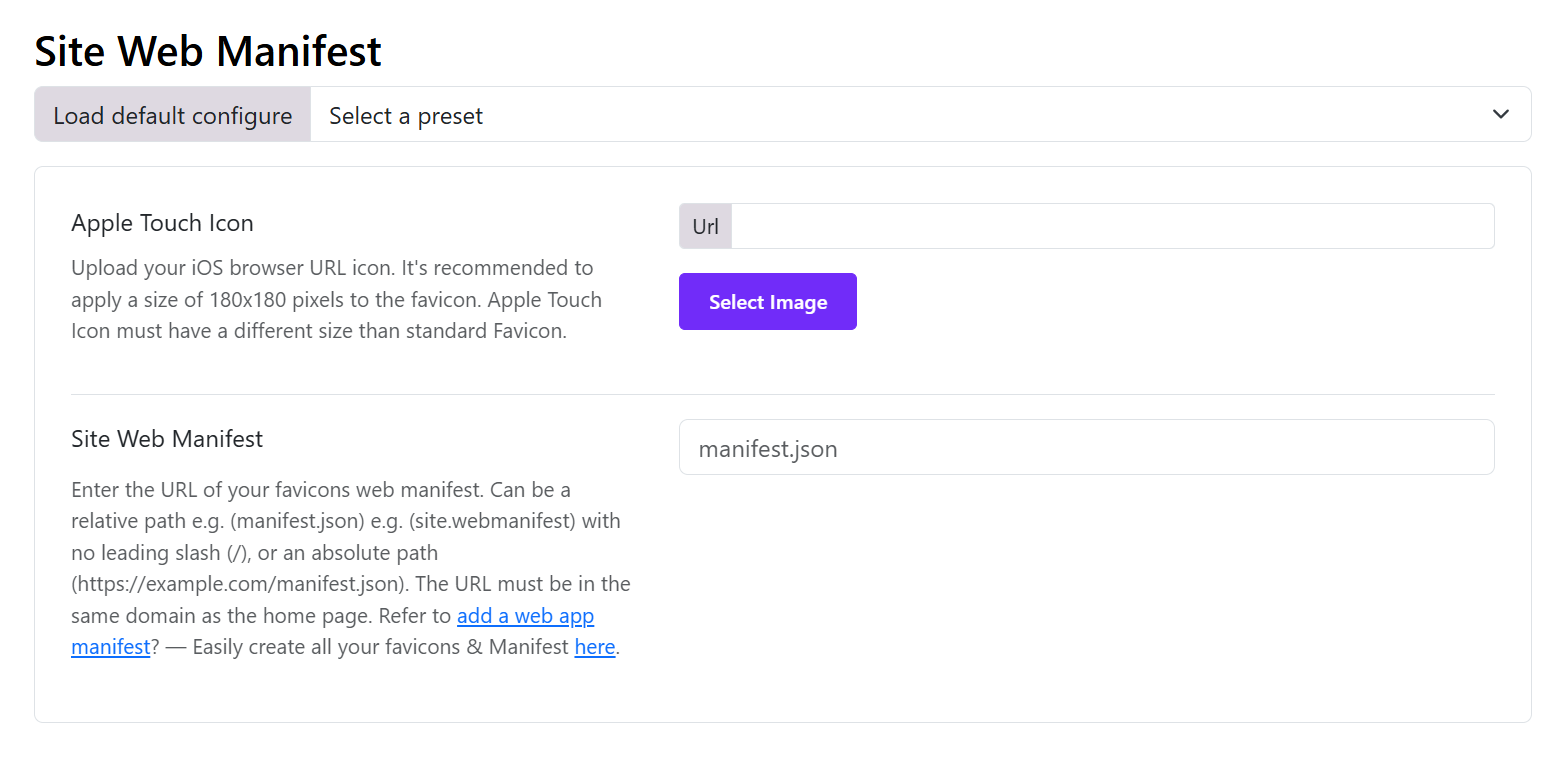
Apple Touch Icon: Upload your iOS browser URL icon. It's recommended to apply a size of 180x180 pixels to the favicon. Apple Touch Icon must have a different size than standard Favicon.
Site Web Manifest: Enter the URL of your favicons web manifest. Can be a relative path e.g. (manifest.json) e.g. (site.webmanifest) with no leading slash (/), or an absolute path (https://example.com/manifest.json). The URL must be in the same domain as the home page. Refer to
add a web app manifest? — Easily create all your favicons & Manifest Here.