Overview
The Google Map module allows administrators to integrate Google Maps into the website by providing a valid Google Maps API key. This configuration is required for all map-based components to function correctly.
Access Path Site Administration → Appearance → Themes > Moon theme settings > APIs
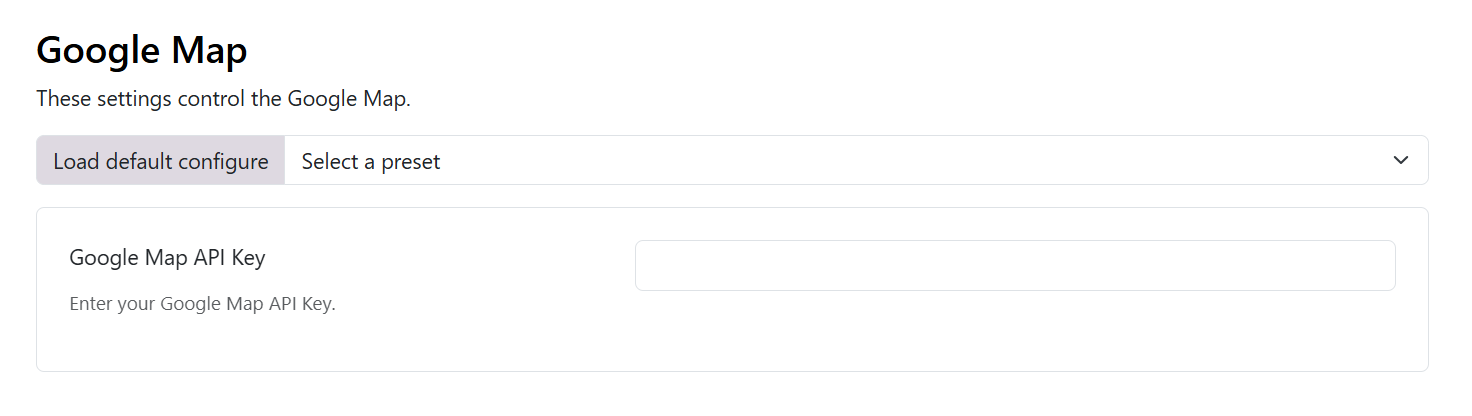
Google Map API Key
- Type: Text Input
- Required: Yes
- Description: Enter a valid Google Maps API key generated from Google Cloud Console.
API Key Requirements
The API key must have the following services enabled:
- Maps JavaScript API
- Geocoding API (if address lookup is used)
- Places API (if autocomplete or place search is enabled)
⚠️ If these APIs are not enabled, the map may fail to load or display errors.
How to Generate a Google Maps API Key
- Go to Google Cloud Console
- Create or select an existing project
- Navigate to: APIs & Services → Credentials
- Click Create Credentials → API Key
- Enable required APIs for the project
- Restrict the key:
- Application restriction: HTTP referrers
- Website restriction: Your domain(s)
Save & Deployment
- Save Actions
- Click Save to apply the API key
- Use Preview to test map rendering
- Click Clear Cache if the map does not update immediately