Header Modes
The Moon Header System supports three primary modes, each with its own layout options and configuration parameters.
To select a header mode, follow these steps:
- Go to Site Administrator > Appearance > Themes > Theme Settings (Current theme) > Header > Header
- Select a Header Mode option.
- Save your changes.
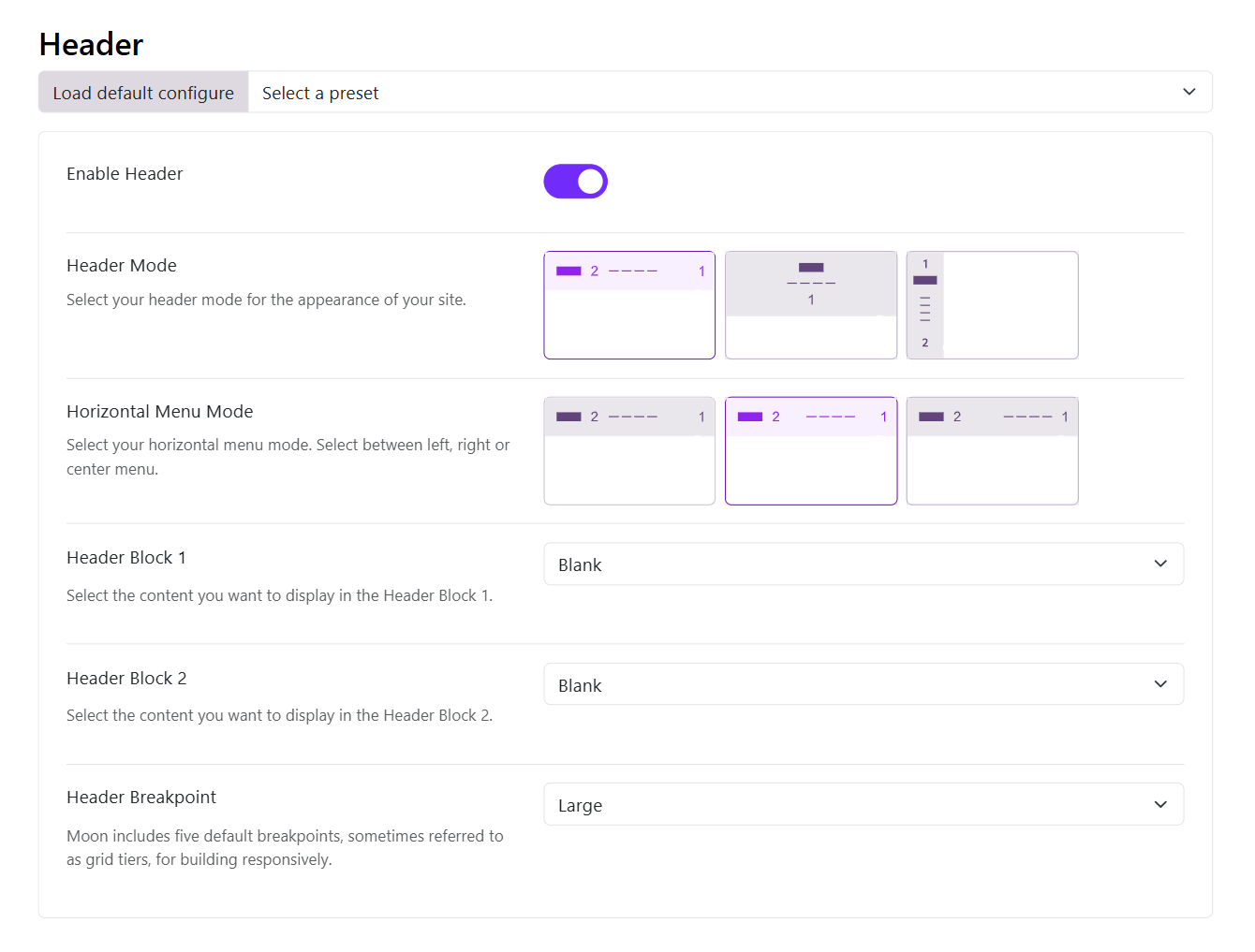
Horizontal Header
The horizontal header layout arranges elements in a row across the page. It offers three different menu placement options: left, center, and right.
- Left: The logo and the menu items are positioned to the left and the header block is to the right
- Center: Here the logo is to the left, menu items are in the center and the header block is on the right
- Right: Here the logo is to the left, the menu items and header block are to the right
Stacked Header
The stacked header provides more complex layouts with elements stacked in multiple rows. It supports five layout variants:
- Center Balance - Logo centered between left and right sections
- Center - Logo and menu centered
- Separated - Logo with menu items separated evenly
- Divided - Logo on left, menu below
- Divided Logo Left - Logo on left in a fixed width column with menu and other elements in adjacent columns
Sidebar Header
The sidebar header positions elements in a vertical column on the side of the page. It offers three placement options:
- Left - Vertical header on the left side
- Right - Vertical header on the right side
- Topbar - Combination of horizontal topbar with vertical sidebar
Header Blocks
Choose what you want to display in the header blocks from the given options in the dropdown that is:
- Blank: Leave a blank space
- Region: Publish a module whose position you can choose in the next option Block Position
- Custom HTML: You can also publish a custom HTML in the header block, simply writing your code in the next option Block 1 Custom HTML
Some Header Blocks will only work on desktops, not for tablets and mobile.
Header Breakpoint
Choose a breakpoint so the header will collapse when the width is less than the selected breakpoint parameter. The lg is set as default breakpoint to suit most of the cases.