RawHTML
This widget is used to inject raw HTML into your layout without the editor filtering or modifying it. This is useful for embedding custom elements, third-party scripts (like widgets or iframes), or advanced layout tweaks. Ideal for developers and advanced users who want full control over their markup.
1. How to add the Widget
- Go to your Moodle Administrator > Appearance > Themes > Moon theme's settings
- Edit a layout > layout editor.
- Click on Add Element.
- Choose Raw HTML from the widget list.
2. Configure General Settings
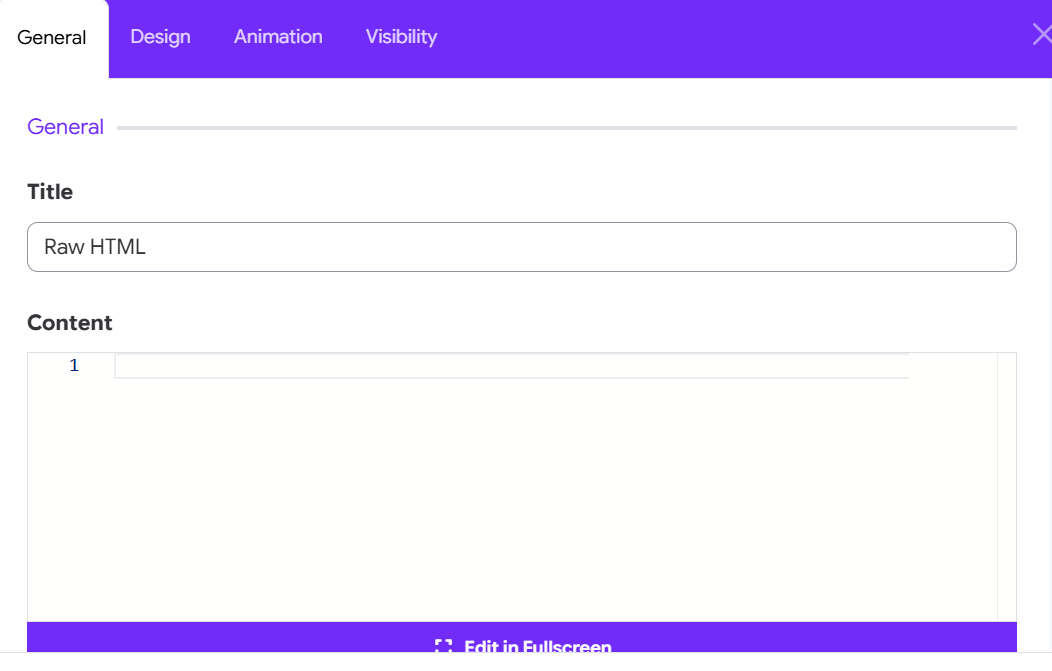
Paste any HTML code you want to inject into the content section. Example:
<div class="my-box">
    <h3>Hello from HTML!</h3>
    <p>This is a custom message.</p>
</div>
3. Use Cases
- Embedding third-party HTML snippets (like forms, iframes, or YouTube embeds).
- Adding custom Bootstrap containers or layouts.
- Inserting tracking codes or custom components.
Enjoy full control over your layout with the RawHTML Widget in Moon framework!